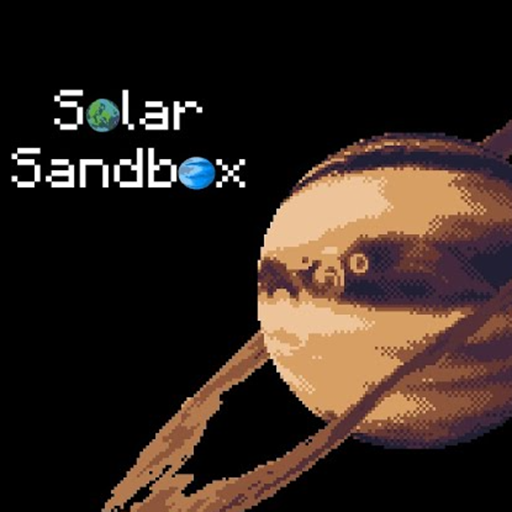
Solar Sandbox - Basic Information
Solar Sandbox is a 2D physics-based simulation game. You get to explore the universe, create custom planets, and watch how gravity works in real-time.
When you first start the game, the main menu gives you a few cool choices. You can explore our own Solar System. You can also visit famous real-life star systems like Proxima Centauri, Trappist-1, and Kepler-90. But the real magic happens in the Sandbox mode. Here, the blank void of space is your canvas.
Have you ever wanted to hold the universe in the palm of your hand? I remember my first time booting up a space simulator. I was hooked instantly. But many of them are too complex or require a high-end PC. That is where Solar Sandbox steps in. It gives you the power of a cosmic creator in a charming, easy-to-run pixel art style.
If you are a fan of open-ended gameplay, you will feel right at home. It is easily one of the most relaxing yet engaging Sandbox Games I have played recently. Let's dive into what makes this cosmic playground so special.
How to Play Solar Sandbox?
How to Control Time and Space?
Space is vast, and things move slowly. Thankfully, you do not have to wait around.
- Time Control: There is a handy slider at the bottom left. Slide it to the right to speed up time. Slide it left to slow things down.
- Simple Controls: Navigating the void is easy. Hold the right mouse button to pan the camera around. Use your mouse scroll wheel to zoom in and out. If you are on a mobile device, you just pinch the screen to zoom.
How to Edit Planet Properties?
This is where you truly play god. You click the planet selector button at the bottom to open a menu full of celestial bodies. You have the Sun, Mercury, Venus, Earth, and many more.
- Place a Planet: Pick a planet from the menu and drop it into space.
- View Properties: Click on the planet you just placed. A side panel opens up.
- Edit the Details: Here is the fun part. You can change the mass, radius, and density. You will instantly see how these changes affect the planet's temperature and its ability to host life.
Frequently Asked Questions
Can I play Solar Sandbox on mobile devices?
Yes! The game features simple controls that support mobile play, allowing you to zoom in and out by simply pinching the screen on your phone or tablet.
Does the game feature real-life star systems?
Yes. Aside from your own custom creations, you can explore accurate representations of our Solar System, Proxima Centauri, Trappist-1, and Kepler-90.
Can I change the temperature of a planet?
Yes. By opening the edit panel, you can adjust a planet's mass, radius, and orbit distance, which will directly alter its temperature and life likelihood percentage.